ClawTrust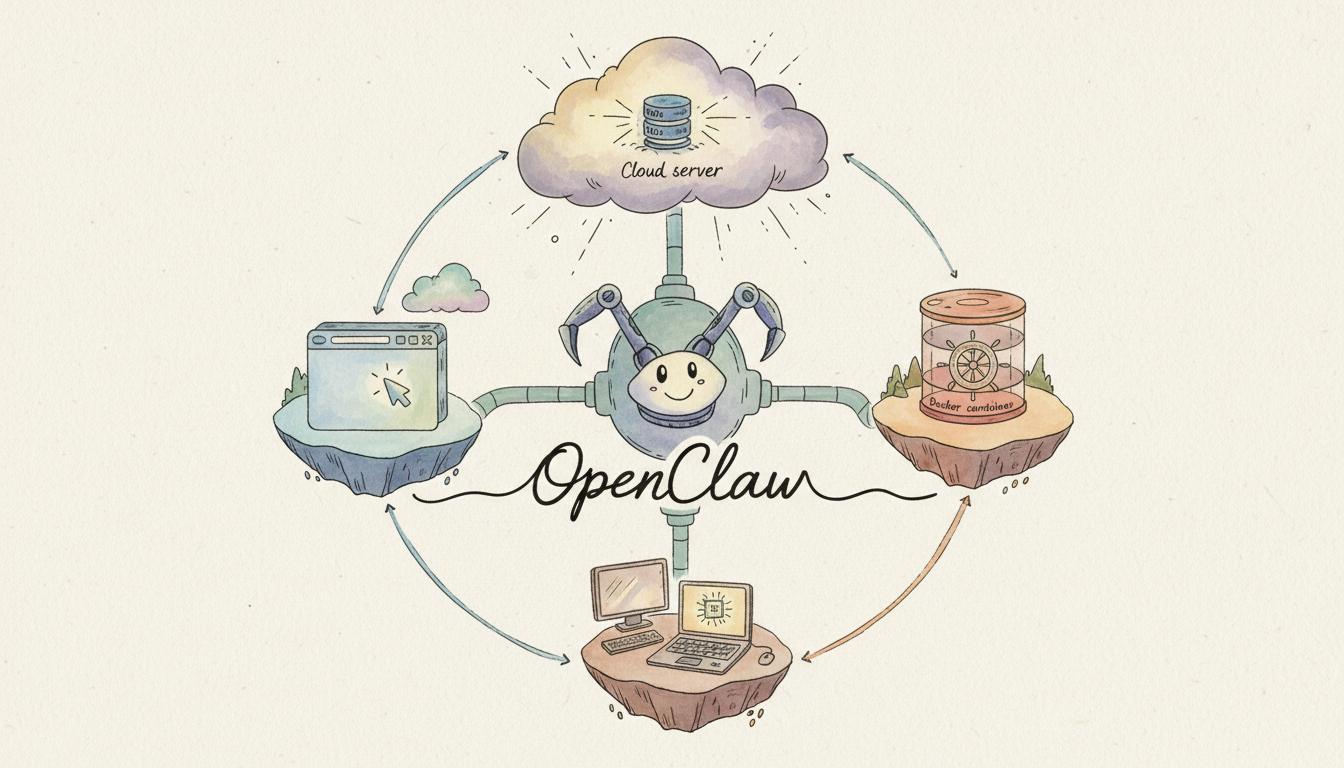
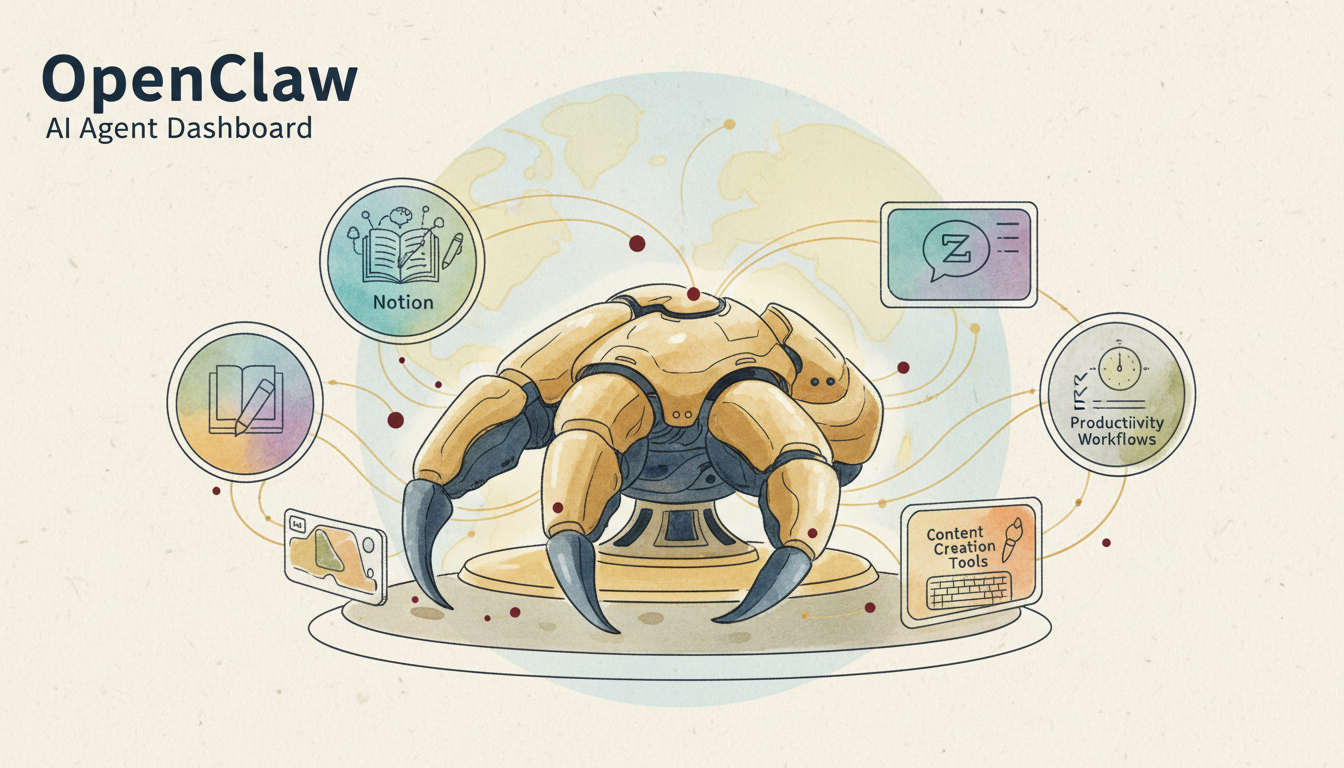
Many users are drawn to OpenClaw’s advanced automation and multi-model capabilities but often run into hurdles during the initial setup. This guide details the four most popular deployment methods for 2026, ranging from zero-install browser access to fully customizable local environments.
Pre-Deployment Checklist
- Supported OS: macOS, Linux, Windows, or ChromeOS.
- Deployment Options: Browser, One-Click Cloud, Docker, or Local installation.
- Prerequisites: At least one AI Model API Key (Supports 21+ platforms including OpenAI, Anthropic, and Google).
March 2026 Update: OpenClaw v2026.3.13 has launched the Web Channel. You can now use OpenClaw directly in your browser without any installation!
Method 1: Direct Browser Access (Simplest)
Best for users who want to experience OpenClaw immediately without technical overhead.
- Pros: Zero installation, cross-device sync, and instant setup.
- Cons: Limited local file system access; not ideal for deep system integration.
Method 2: One-Click Cloud Deployment (Recommended for Professionals)
Best for small teams or individuals wanting 24/7 availability.
- Choose a Provider: Log into Vercel, Railway, or AWS Amplify.
- Select Template: Search for the 'OpenClaw Official Template' and click Deploy.
- Configure API Keys: Enter your API keys (e.g., Claude 3.5 or GPT-4o) in the environment variables.
- Launch: Your personal OpenClaw instance is live at a custom URL.
Global Promo: New users deploying in March 2026 receive 4 million free tokens (offer ends March 31, 2026), valid for roughly 40–60 deep-research sessions.
Method 3: Docker Containerization (Best for Tech Enthusiasts)
Best for users who want a private, isolated environment with easy portability.
# Pull the official image ndl;docker pull openclaw/openclaw:latest # Run the container (Replace YOUR_API_KEY with your actual key) docker run -d --name openclaw -e API_KEY=YOUR_API_KEY -v ~/.openclaw:/data -p 3000:3000 openclaw/openclaw:latest
- Pros: Environment isolation, easy backups, and supports multiple instances.
- Cons: Requires basic Docker/CLI knowledge.
Method 4: Native Local Installation (Highest Flexibility)
Best for developers and power users who need OpenClaw to interact with local files and run system commands.
System Requirements
- Node.js 18+ or Python 3.10+.
- Git.
Installation Steps
# 1. Clone the repository git clone https://github.com/openclaw/openclaw.git cd openclaw # 2. Install dependencies npm install # Or use: pip install -r requirements.txt # 3. Configure Environment cp .env.example .env # Edit the .env file and paste your API Key # 4. Start OpenClaw npm start
Global Cloud Provider Comparison
| Provider | Pricing (Base) | Key Strengths | Rating |
|---|---|---|---|
| Vercel | Free / $20/mo | Best for Web/Browser mode | ⭐⭐⭐⭐⭐ |
| AWS | Pay-as-you-go | Enterprise-grade security | ⭐⭐⭐⭐ |
| Railway | $5/mo (Starter) | Easiest Docker hosting | ⭐⭐⭐⭐⭐ |
| DigitalOcean | $4/mo (Droplet) | High performance for local tasks | ⭐⭐⭐⭐ |
| Google Cloud | Pay-as-you-go | Seamless Gemini integration | ⭐⭐⭐ |
AI Model Configuration Guide
OpenClaw supports over 21 models. Here are the top picks for global users:
| Model | Input Price (/1M tokens) | Output Price (/1M tokens) | Best For |
|---|---|---|---|
| Claude 3.5 Sonnet | $3.00 | $15.00 | Complex reasoning & Coding |
| GPT-4o | $5.00 | $15.00 | General purpose & Versatility |
| Gemini 1.5 Pro | $3.50 | $10.50 | Massive context windows |
| Llama 3 (Groq) | Near-instant | Near-instant | Speed & Low latency |
FAQ: Troubleshooting & Tips
- Q: 'Invalid API Key' error during setup? A: Double-check your .env file for extra spaces and ensure the model name matches the provider of your key.
- Q: How do I update to the latest version? A: For Docker, run docker pull openclaw/openclaw:latest. For native installs, run git pull followed by npm install.
- Q: Can I back up my data? A: Yes! As of v2026.3.8, use the command openclaw backup to export all configurations and memory data to a local file.
- Q: Can I run multiple instances? A: Yes, specifically in Docker mode, you can run multiple containers for different projects or users.