ClawTrust
Agent Browser Review: A Practical Browser Skill for AI Agents
AI agents excel at reasoning, summarizing, and planning, but they often falter when interacting with the web. Modern sites are dynamic, stateful, and JavaScript-heavy, overwhelming simple scraping tools. Agent Browser addresses this as a browser automation skill, enabling agents to navigate pages, inspect elements, click buttons, fill forms, capture screenshots, and manage sessions more reliably.
Its appeal spans workflows like QA, operations, internal tools, lead generation, or web automation. The upstream agent-browser project is a headless browser CLI for AI agents, using a fast native Rust CLI with a Rust daemon via Chrome DevTools Protocol.
What Is Agent Browser?
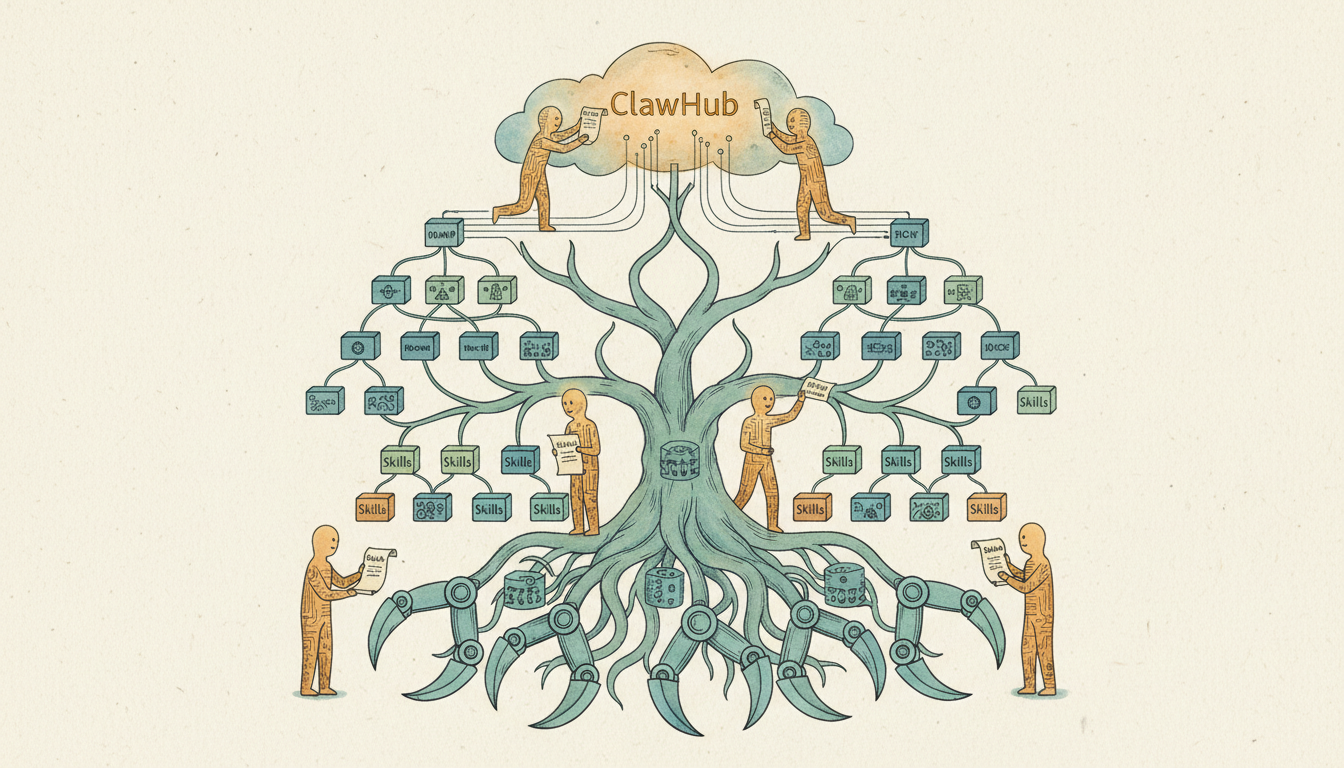
Agent Browser is a ClawHub-listed skill—a searchable registry for versioned, installable agent skills. It handles page navigation, accessibility snapshots, clicking, form filling, screenshots, PDFs, session management, and debugging.
The core workflow is simple: open a page, snapshot it, use stable references like @e1 and @e2 for elements, act on them, and resnapshot changes. This deterministic model outperforms vague selectors, boosting usability in repeatable agent tasks.
How Agent Browser Works for AI Agents
Agent Browser avoids making agents parse pages from scratch. It structures interactions around snapshots and references: open URL, snapshot, act via refs, capture new state. This aligns with agents' step-by-step execution.
Commands cover navigation, snapshots, interactions, keyboard/mouse, waits, screenshots, PDFs, video, cookies, local storage, requests, tabs, frames, dialogs, JS eval, and state persistence—suited for real workflows.
Key Features That Stand Out
- Ref-based Interaction: Structured element refs from snapshots reduce ambiguity over CSS selectors or text guesses, enhancing reproducibility for agents.
- Workflow Depth: Beyond basics, it includes screenshots, PDFs, session isolation, parallel sessions, storage access, cookies, and video recording.
- Upstream Engineering: Fast Rust CLI and daemon provide solid infrastructure, unlike template wrappers.
Best Use Cases: QA, Automation, and Web Workflows
- QA Teams: Navigates pages, waits for changes, inspects states sequentially.
- Automation Builders: Handles logins, forms, dynamic extraction beyond curl.
- AI Agent Developers: Reliable browser layer for consistent orchestration.
What Agent Browser Does Better Than Typical AI Marketplace Skills
Many marketplace tools are shallow. Agent Browser ties to a defined upstream project with clear commands. The wrapper repo clarifies its role and issue routing.
Security Considerations: The Tool vs. the Ecosystem
Upstream includes credential protection, prompt injection mitigation, domain allowlists, and confirmation for risks.
ClawHub's user-submitted skills raise concerns. Audit installs, check permissions, scrutinize descriptions.
Pros and Cons
-
Pros: Tackles dynamic sites; structured commands; broad coverage; credible architecture.
-
Cons: CLI-focused (less user-friendly); security opt-in; marketplace needs validation.
Final Verdict: Is Agent Browser Worth Trying?
Yes—if you need a solid browser layer for agents beyond vague browsing promises. It's infrastructure-like: structured observation, action, verification. Audit wrappers, verify sources, enable controls.
FAQ About Agent Browser
What is Agent Browser?
A browser automation skill for AI agents supporting navigation, element inspection, clicking, and session management.
What is Agent Browser used for?
Browser workflows like QA, dynamic interaction, forms, structured tasks.
Is Agent Browser good for developers?
Yes, offers repeatable, structured web interactions.
Is Agent Browser safe to use?
Upstream has controls; audit marketplace skills.
How is Agent Browser different from basic web scraping tools?
Scrapers fetch content; Agent Browser interacts dynamically, clicks, waits.